
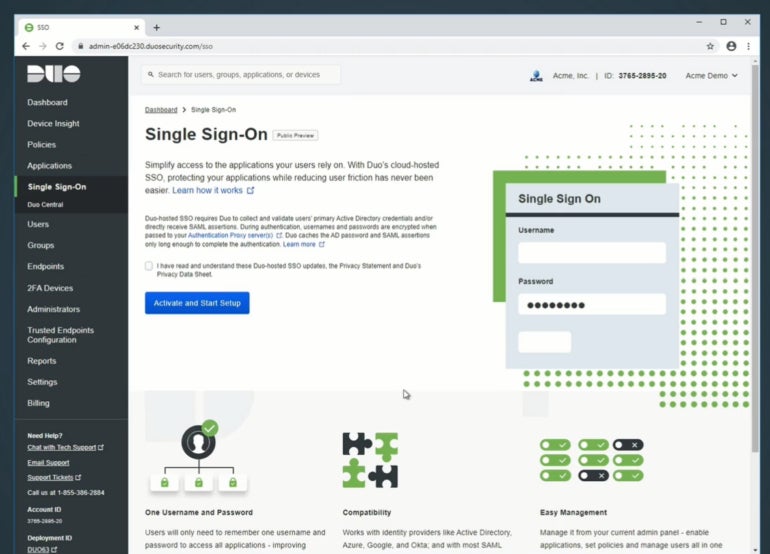

Two-factor authentication has emerged as a crucial security measure for organizations to enhance the security of their users. Duo and Microsoft Authenticator are two popular apps that provide this level of security.
- Duo vs Microsoft Authenticator: Comparison table
- Duo vs Microsoft Authenticator pricing
- Feature comparison: Duo vs Microsoft Authenticator
- Application Programming Interface integration
- Security features
- Authentication methods
- Backup and recovery
- Customer support
- Duo pros and cons
- Microsoft Authenticator pros and cons
- Should your organization use Duo or Microsoft Authenticator?
- Methodology
Duo uses push notifications, time-based, one-time passwords, physical tokens, and biometrics to verify the identity of users at login. Similarly, Microsoft Authenticator utilizes push notifications and one-time passcodes that can integrate with Microsoft 365 and Microsoft Entra ID (formerly Azure Active Directory.)
While both 2FA options share some similarities, key differences can sway your decision to choose one over the other.
Patrocinado por TecnoArtesanos ¿Tu empresa ya está usando IA? Automatizamos procesos, integramos asistentes inteligentes y conectamos tus sistemas. Descubre cómo →- Duo: Best for extra security capabilities like adaptive authentication, granular access policies, and threat detection.
- Microsoft Authenticator: Best for Microsoft-centric environments that want seamless integration with Microsoft Entra ID and other Windows services.
Duo vs Microsoft Authenticator: Comparison table
| Features | ||
|---|---|---|
| Push notifications | ||
| Biometrics authentication | ||
| One-time passcodes | ||
| Integrations with other products and services | ||
| Backup and recovery | ||
| Pricing | ||
Duo vs Microsoft Authenticator pricing
Below is how Duo and Microsoft Authenticator square up against each other in terms of pricing.
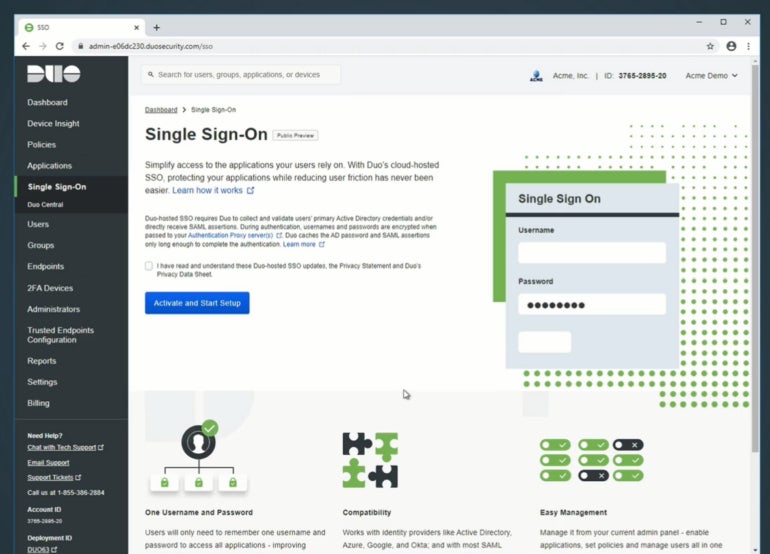
Duo pricing
Duo follows a tiered system based on features and services you would like added to the application. At the moment, it offers four subscription tiers:
| Plan | Duo Free | Duo Essential | Duo Advantage | Duo Premier |
|---|---|---|---|---|
| Price | Free | $3 per user, per month | $6 per user, per month | $9 per user, per month |
| Features differences | Allows 1-10 users; MFA, integrations, and free authenticator app | All Free plan features plus, Single Sign-On, passwordless authentication, and user group policies | All Essential plan features plus Duo Passport, risk-based authentication, Cisco Identity Intelligence, and threat detection | All Advantage features plus VPN-less remote access to private resources, endpoint protection check, and zero trust access |
Microsoft Authenticator pricing
Microsoft Authenticator is free and comes bundled with all Microsoft Entra ID (Azure Active Directory) and 365 Business accounts.
For a full list of prices and features, you can visit our articles on Microsoft 365 and Microsoft Entra ID (Azure Active Directory).
Feature comparison: Duo vs Microsoft Authenticator
Both Duo and Microsoft Authenticator present excellent features to users, but here is a head-to-head feature comparison:
Application Programming Interface integration
Most enterprise organizations considering Duo or Microsoft Authenticator will want to integrate these apps with existing or custom software and server applications.
Duo supports unlimited application integrations through its platform in all available editions.
On the other hand, while Microsoft Authenticator also integrates with other third-party products and services, it is far easier to integrate with Microsoft-supported services because it’s already bundled with some of them.
Security features
Both Duo and Microsoft Authenticator prioritize security and offer robust features to protect user accounts. Duo supports adaptive authentication, which assesses the risk of each login attempt and prompts for additional verification when necessary. It also provides granular access policies, allowing administrators to define specific authentication requirements based on user roles and conditions.
Microsoft Authenticator leverages the power of Microsoft Entra ID (Azure Active Directory) to deliver advanced security features, such as conditional access policies, risk-based authentication, and seamless single sign-on experiences across applications. It also supports hardware-backed security keys for enhanced protection against phishing attacks.
Authentication methods
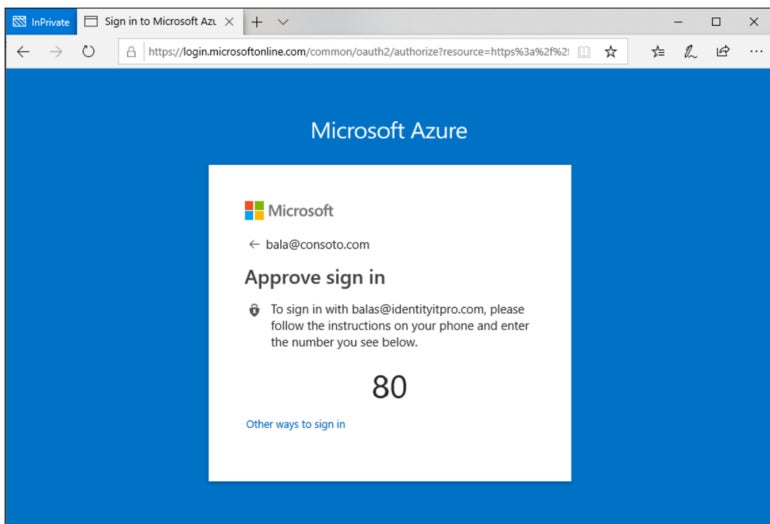
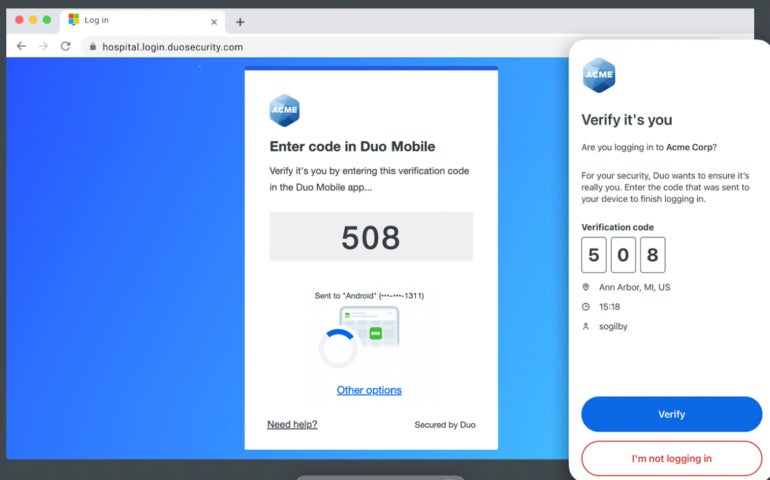
Both Duo and Microsoft Authenticator provide multiple authentication methods. Duo offers a variety of authentication options, including push notifications, WebAuthn and biometrics, tokens, passcodes, and hardware security keys.
Meanwhile, Microsoft Authenticator supports push notifications, OTPs, and biometric authentication (fingerprint, facial recognition) on supported devices.
Backup and recovery
Duo’s Restore feature lets users backup Duo-protected accounts and third-party OTP accounts for recovery to the same or new device. This allows you to back up your Duo accounts on cloud services like iCloud and Google Drive.
Similarly, Microsoft Authenticator offers backup and recovery options that allow users to securely store their accounts and settings in the cloud. This feature enables easy account restoration on new devices or in case of device loss.
Customer support
When it comes to customer support, both providers offer a decent amount of options.
For Duo, they have a dedicated support page with an online knowledge base categorized for Duo users and administrators — making it easy to get assistance for both types of users.
They also have a blog, documentation portal, and chatbot feature. Aside from that, you can file a support case, contact a live agent via phone, or email the Duo support team.
Conversely, support for Microsoft Authenticator falls under the umbrella support services you get with Microsoft as a whole. You can contact Microsoft’s support agents through their official support page, make a phone call to one of their regional support numbers, or visit their Microsoft Community forum for live discussions.
They also have an extensive FAQs page for Microsoft Authenticator itself, providing documentation from setup to troubleshooting common issues.
Duo pros and cons
While Duo presents many benefits to users, it also has some drawbacks. Here is a summary of the pros and cons.
Pros
- Single sign-on.
- Passwordless.
- Multiple authentication methods.
- Push Phishing Protection.
- Threat Detection.
- Backup and recovery.
Cons
- Duo Free accounts are limited to 10 users.
- Slightly cluttered UI in certain places due to the wide variety of authentication options.
- Security notifications sometimes take longer than expected.
Microsoft Authenticator pros and cons
Microsoft authenticator offers powerful two-factor authentication features, but there may be a few drawbacks some users say they have experienced while using the product. Below are some pros and cons.
Pros
- Passwordless sign-in.
- Push notifications through the mobile app.
- The authenticator app can be used as a software token.
- Backup and recovery support.
Cons
- Multi-factor report option is only supported in the higher plans.
- Pricing model may be complicated for some users to navigate.
- May not be ideal for companies that do not have Microsoft ecosystems.
Should your organization use Duo or Microsoft Authenticator?
Picking one 2FA software over another can be challenging, especially when many striking similarities bind the products together. For Duo and Microsoft Authenticator, the main point of reference when deciding between the two should revolve around your overall technology stack, ease of use, and pricing.
If you heavily rely on Microsoft products such as Microsoft Entra ID (Azure Active Directory), Microsoft 365, and other Microsoft services, Microsoft Authenticator may provide a more seamless and integrated experience.
On the other hand, if you have a diverse set of platforms and applications, Duo’s broad compatibility and extensive integration capabilities make it a more versatile choice. Duo integrates easily with services like Slack, Atlassian, Salesforce, Dropbox, and more.
You should also consider the pricing models and how they meet your business requirements and budgets. Duo’s pricing structure varies depending on the features and support level chosen, while Microsoft Authenticator is typically bundled with Microsoft Entra ID and Microsoft 365 subscriptions.
Duo’s pricing is more comprehensive and transparent, unlike Microsoft’s, which is more complicated due to its bundling with Microsoft subscriptions. Take time to evaluate your organization’s specific needs and consider the associated costs when comparing the pricing of these solutions.
Finally, look into each service’s user experience and ease of use. Both Duo and Microsoft Authenticator provide seamless user experiences, but preferences may vary depending on your organization’s tech stack, user base, and how familiar they are with each platform.
Use the free versions each solution offers to get hands-on experience with each product. When testing, assess things such as the simplicity of setup, the intuitiveness of the authentication process, and any additional features that enhance usability.
Consider conducting a pilot test with both solutions to evaluate their performance and compatibility within your business environment. This allows you to gather firsthand experience and feedback from your users and administrators before making a final decision.
For a more comprehensive evaluation of two-factor authentication based on security impact and strategic business initiative, check out this two-factor authentication evaluation guide.
SEE: Securing Linux Policy (TechRepublic Premium)
Methodology
To draw a fair comparison between Duo and Microsoft Authenticator, we started by going through the documentation pages of each product, where we learned about their key features and how they integrate with other technologies. We also checked out user reviews from trusted third-party review sites to get some opinions from verified users. The writer also uses Microsoft Authenticator, making it easier to discuss the product based on my experience. All these provided enough insight to help shape our review.
This article was originally written by Franklin Okeke in August 2023 and was updated by Luis Millares in January 2025 to account for feature and product changes, like Azure Active Directory’s name change to Microsoft Entra ID.